
Add custom HTML, CSS and JavaScript to modern SharePoint pages
Build rich, fully customized SharePoint experiences without developing and maintaining a dedicated SPFx Web Part for every use case.
- 50,000+
- daily users
- 15-day
- free trial
- Unlimited
- users
- Unlimited
- usage
Used daily by 50,000+ SharePoint users
Available on Microsoft Marketplace
Designed for SharePoint Online
Built for modern SharePoint pages
Why HTML Web Part
Stop rebuilding the same SharePoint customizations
Organizations often need banners, visual blocks, call-to-actions, custom layouts or lightweight JavaScript interactions in SharePoint. Standard Web Parts are often too limited, while dedicated SPFx development adds time, cost and maintenance.
HTML Web Part gives teams one reusable component for many SharePoint customization scenarios.
Use cases
Built for real SharePoint use cases
01
Custom banners and hero sections
02
Call-to-action blocks
03
Rich formatted content
04
Icon-based layouts
05
JavaScript-powered interactions
06
Reusable intranet components
Features
Everything needed to build and reuse custom SharePoint content
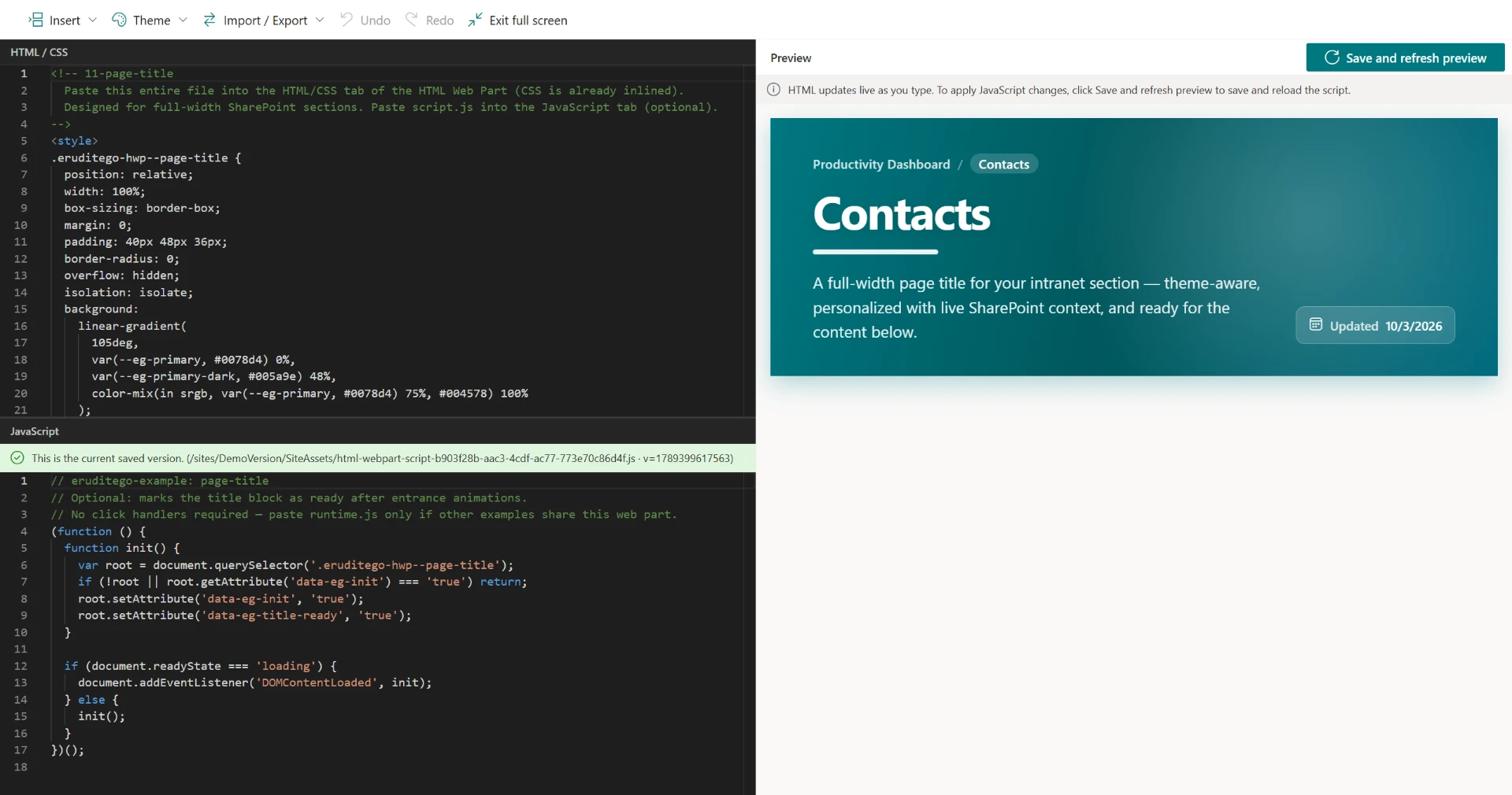
HTML, CSS and JavaScript editing
Separate editors for structure, styling and behavior.
Full-screen editing experience
Edit with the full width of the screen.
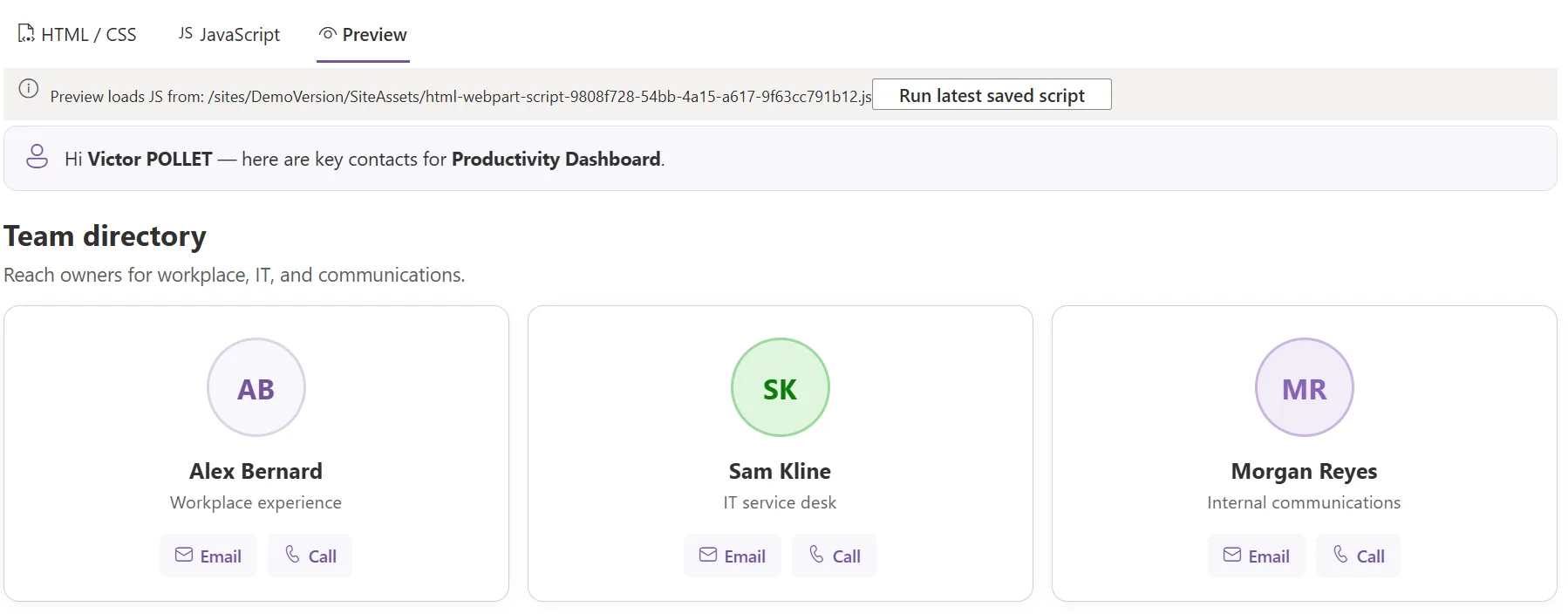
Live preview
See the result without publishing the page.
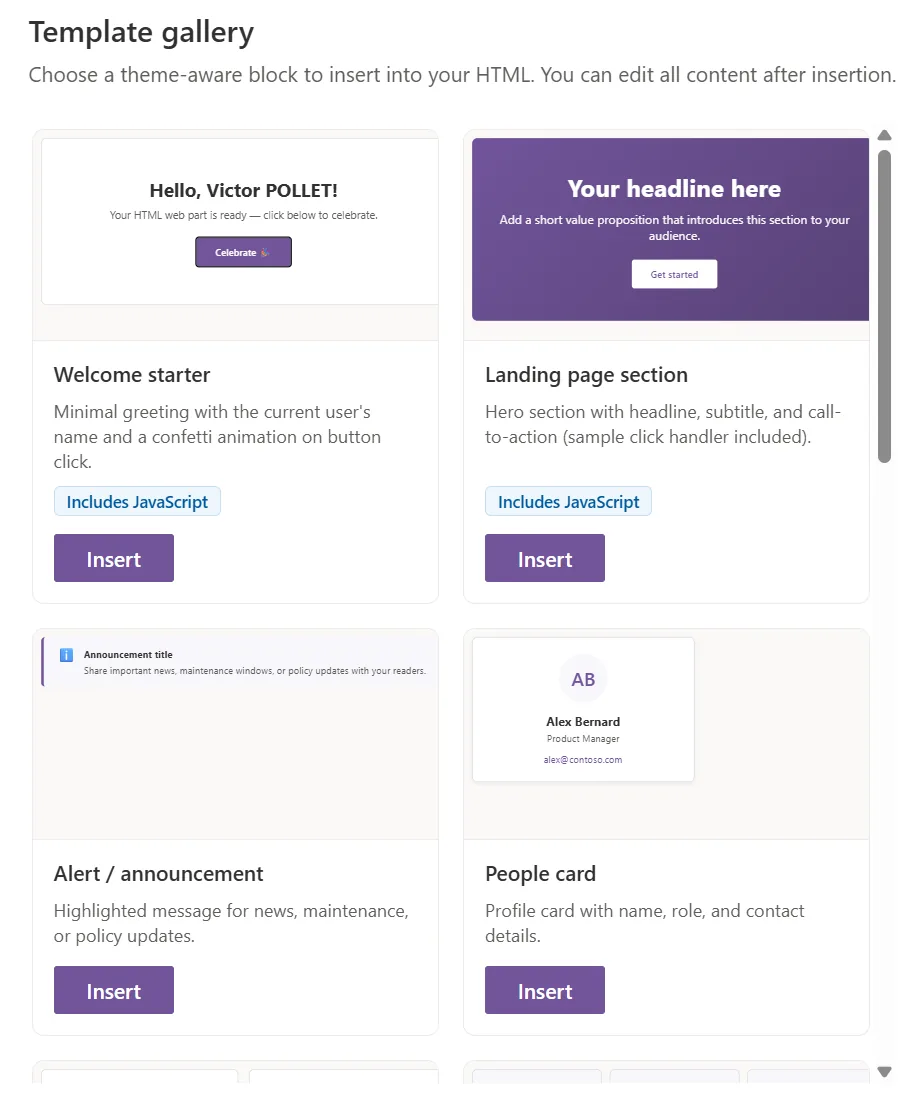
Reusable templates
Start from built-in, reusable blocks.
Starter code examples
Built-in examples to start faster.
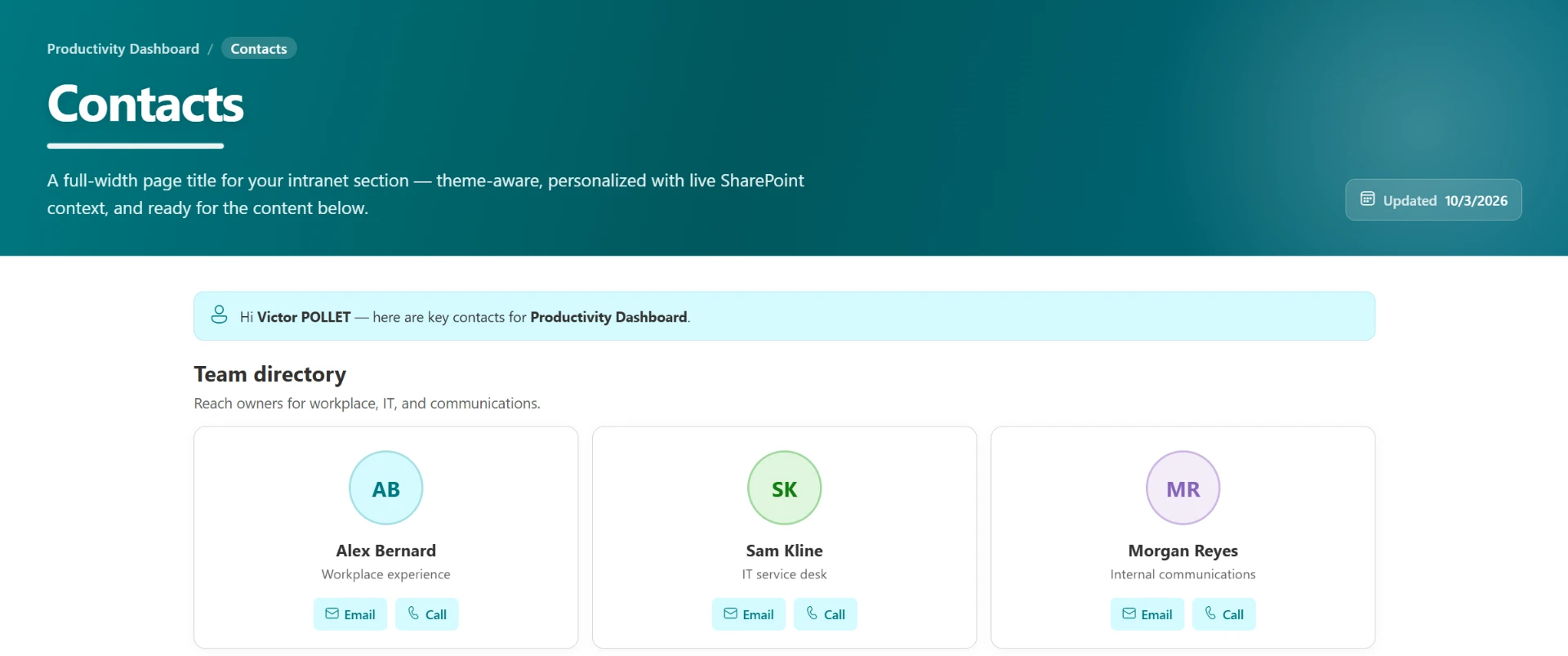
SharePoint theme integration
Use theme and palette colors.
Dynamic placeholders
Insert live SharePoint context values.
Built-in icon library
Icons available directly in the editor.
Import / export
Move configurations between pages.
Undo / redo
Step back and forward through edits.
Walkthrough
See how it works
Watch the full product presentation, then explore each step below.
A
Edit HTML / CSS / JavaScript
Use separate editors for structure, styling and behavior.
B
Preview instantly
See the result live without publishing the page.
C
Reuse templates
Start faster with built-in examples and reusable configurations.
D
Stay aligned with SharePoint
Use theme colors, palette colors and dynamic placeholders.
Ready to try it in your SharePoint environment?
Start 15-day free trialSecurity · CSP
Designed for modern SharePoint and Microsoft CSP requirements
HTML and JavaScript are handled separately. JavaScript is stored in a dedicated file and loaded by SharePoint, helping avoid CSP-related limitations of embedded scripts.
The product also provides warnings to help users avoid problematic JavaScript usage inside HTML content.
// page structure
content.html → markup & styles
script.js → dedicated file, loaded by SharePoint
Warnings for inline JavaScript in HTML
Data & access
- No Microsoft Graph access
- No Microsoft customer data stored or processed by the application
Why it matters
A faster alternative for many SharePoint customization needs
Dedicated SPFx development remains the right choice for advanced application scenarios. HTML Web Part helps avoid unnecessary custom development when the requirement is primarily HTML, CSS or lightweight JavaScript customization.
Dedicated SPFx for every need
- New development each time
- Packaging and deployment
- Maintenance overhead
- Slower delivery
- Higher cost per scenario
HTML Web Part
- One reusable component
- Ready to use
- Centrally maintained
- Faster customization
- Fixed product cost
Pricing
Simple pricing
Annual
Recommended€85 / month
€1,020 billed annually
Save €180/year
- Per SharePoint tenant
- Unlimited users
- Unlimited usage
- 15-day free trial
Monthly
€100 / month
Billed monthly
- Per SharePoint tenant
- Unlimited users
- Unlimited usage
- 15-day free trial
FAQ
Frequently asked questions
Is HTML Web Part compatible with modern SharePoint pages?
Yes. HTML Web Part is built for modern SharePoint pages and designed for SharePoint Online.
Do I need development skills to use it?
HTML Web Part is designed for users who are comfortable with HTML and CSS. JavaScript knowledge is only required for scenarios that use custom scripting. Built-in examples and reusable templates can help teams get started faster.
How is JavaScript handled?
HTML and JavaScript are handled separately. JavaScript is stored in a dedicated file and loaded by SharePoint, helping avoid CSP-related limitations of embedded scripts. Warnings help avoid problematic JavaScript inside HTML content.
Is there a free trial?
Yes, a 15-day free trial is available.
Is pricing per user or per tenant?
Pricing is per SharePoint tenant: €100 / month, or €85 / month billed annually (€1,020 / year).
Is the number of users limited?
No. Every plan includes unlimited users and unlimited usage.
Can I import and export configurations?
Yes. Import / export lets you move configurations between pages.
Can configurations be reused across pages?
Yes, through reusable templates and import / export.
Where can I buy the product?
HTML Web Part is available on Microsoft Marketplace. Legacy licence purchases are also available online. Partner pricing and enterprise discussions are available — contact sales.
Is it available on Microsoft Marketplace?
Yes, HTML Web Part is available on Microsoft Marketplace.
Microsoft Marketplace
Available on Microsoft Marketplace
Discover and install HTML Web Part via Microsoft Marketplace.
Ready to customize SharePoint faster?
Start your free trial or get in touch if you want to discuss your SharePoint customization needs.